

Your First Scene
After creating our first project, we need to add the first scene.
A more detailed explanation of Scenes can be read here.
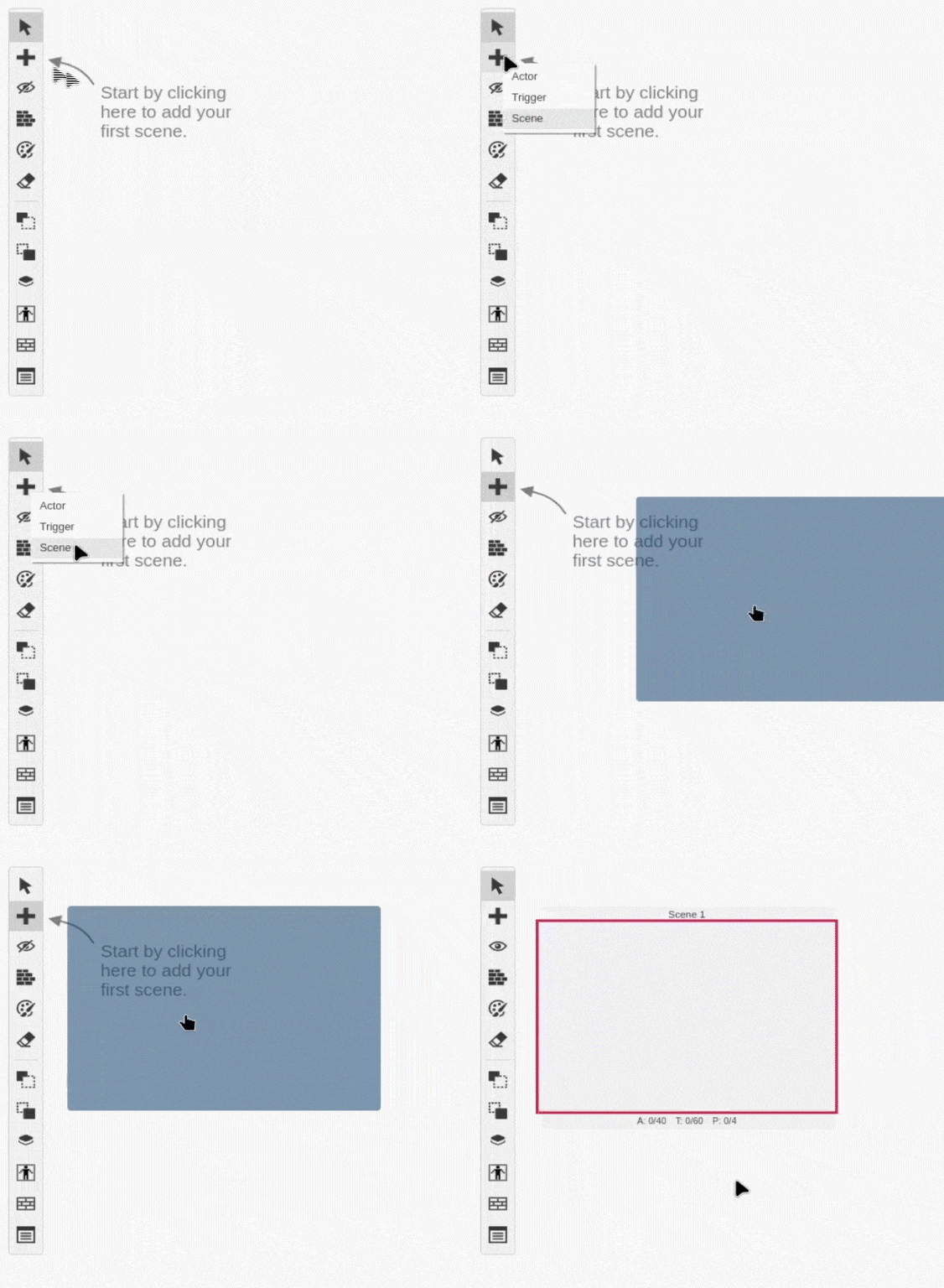
For now, you can just click the button, select Scene and place the new scene.
After you have your scene, it's time to set the background.
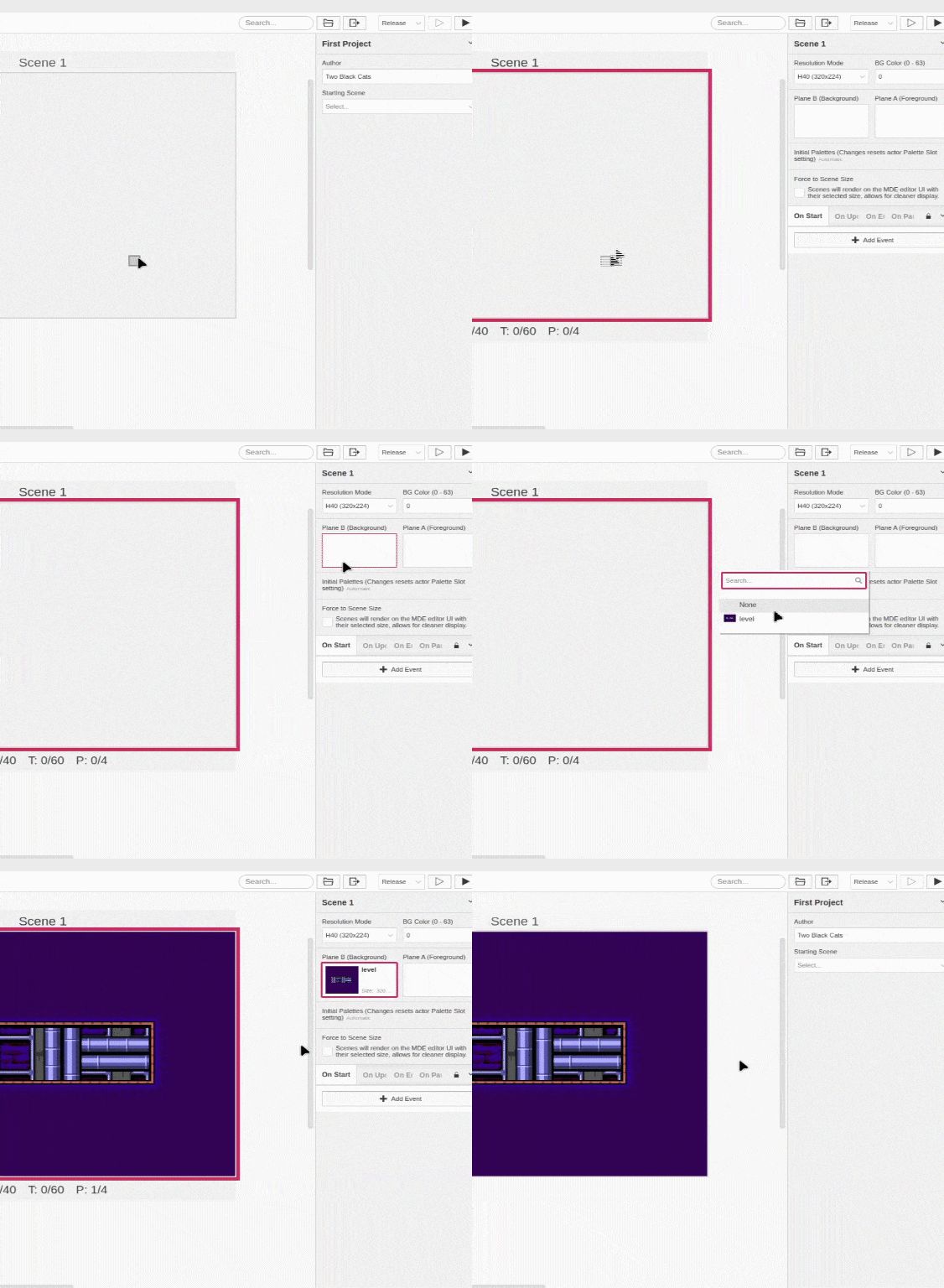
In order to do that, first you have to select the scene, then go to the Editor Sidebar. On the Editor Sidebar click inside Plane (B) Background and select level.png.
Now that we have our scene with the background, it's time to add our first Actor. Next, let's add our first actor.